Mini-project: Downloading and analysing your own data using the GGW Dashboards
Getting started
Before you begin, make sure you have:
- Completed notebooks 1 and 2, and saved the files and outputs somewhere you can find and reproduce them later.
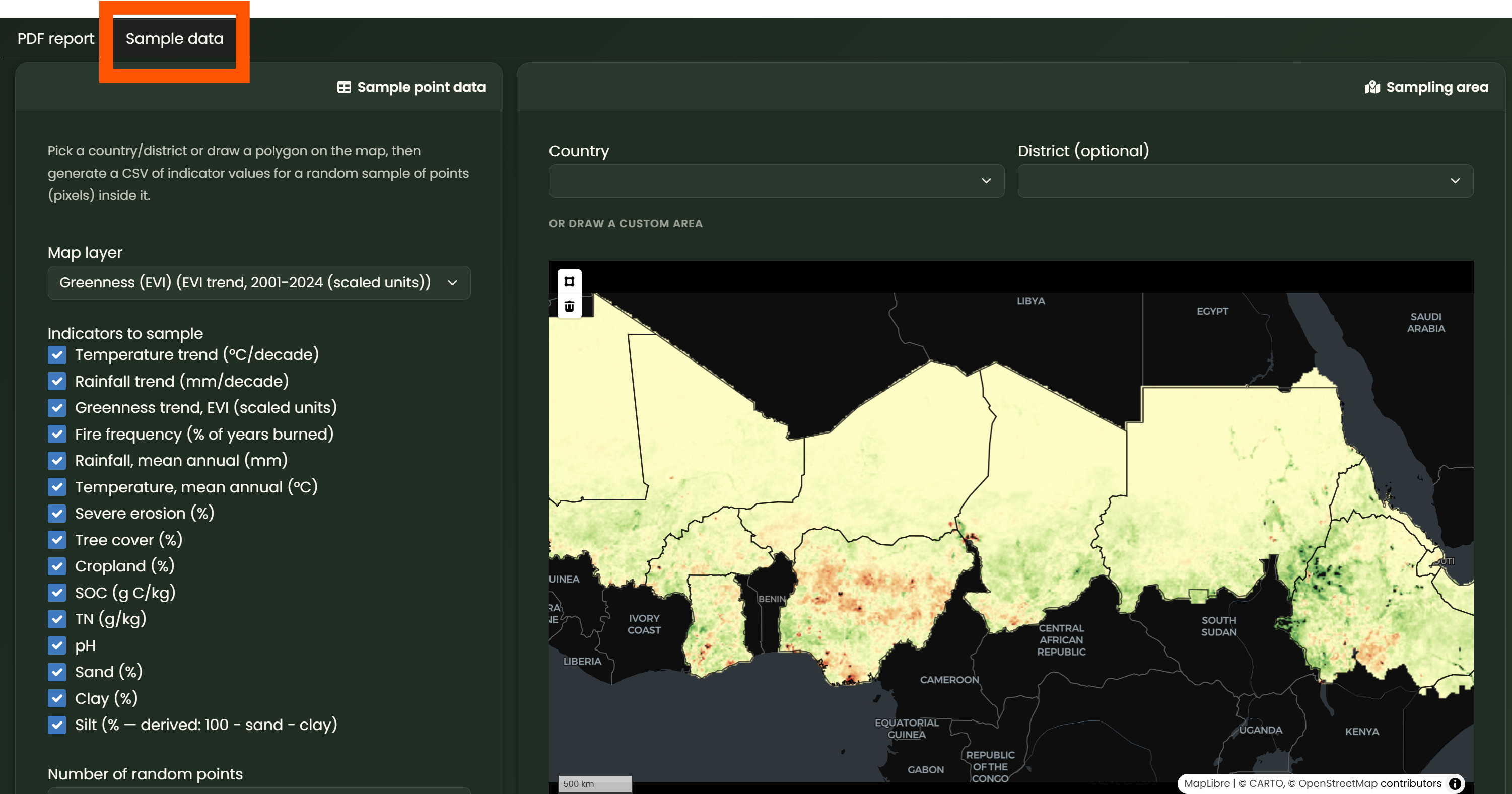
- Explored the GGW Dashboards, and sample data function.
1. Download the notebook
Click the button below to download the notebook .qmd file. Make sure to save the notebook in a folder that you can easily find and access later.
2. Open the notebook in RStudio
Open RStudio on your computer.
Then:
- Click File > Open File
- Select the
.qmdfile you just downloaded- The notebook will open in RStudio
- Make sure you are working in the correct project folder
3. Bring in your LDSF data
Place the CSV you downloaded from the GGW Dashboards inside your project folder.
For example:
mini-project/
├── Ethiopia_miniproj.qmd
└── data/
    └── ggw_dashboard_data.csv
You can then follow the instructions and R code inside the notebook.