Notebook 1: R basics and climate data
This first notebook introduces the core working environment used throughout the workshop:
R programming within an interactive notebook (Google Colab).
It begins with the basics of working in R and then applies those skills to climate datasets, helping participants move from simple coding tasks into practical data analysis workflows relevant to restoration planning.



Notebook 1 is designed as the foundation for all later practical work. It introduces the logic of working step by step in a notebook, building confidence with code, data, and outputs before moving into more complex land health, soil health, and spatial workflows.
What you will learn and do
This notebook is organised around three connected parts:
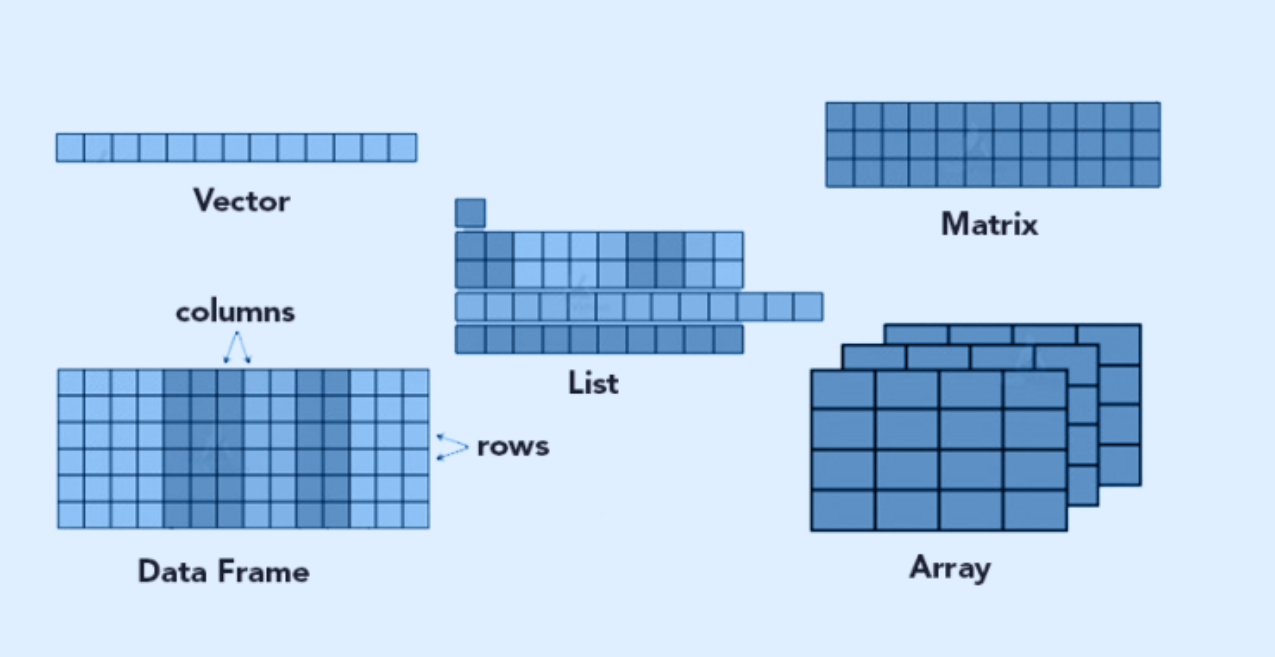
The first section introduces the basic logic of working in R within a notebook environment.
- What R is and why it is useful
- How notebooks combine text, code, and outputs
- How to run cells, create objects, and work step by step
- How libraries such as
dplyrandggplot2extend what R can do

The second section introduces climate as a restoration-relevant theme and applies the same workflow to real workshop datasets.
- Loading rainfall and temperature data
- Inspecting dataset structure and variable names
- Checking values, missing data, and summary statistics
- Using simple transformations and grouped summaries
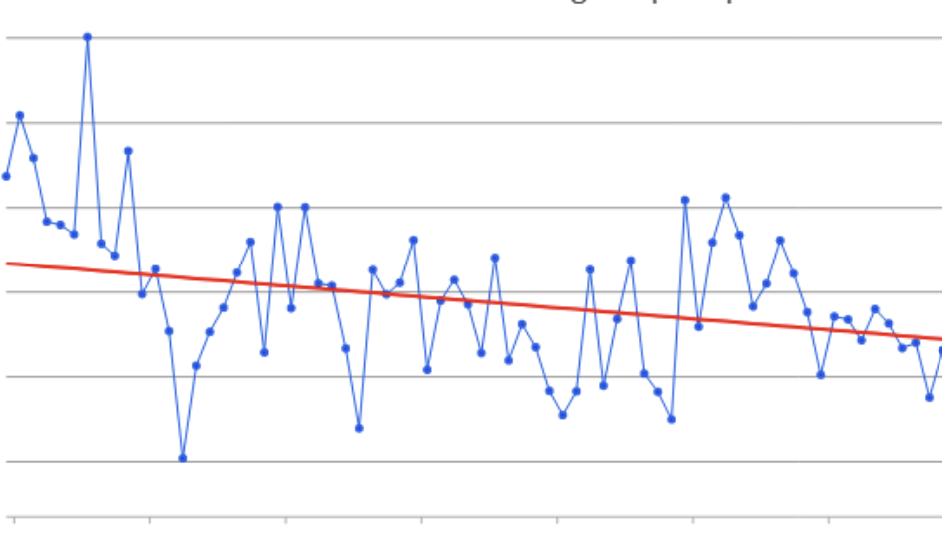
The final section uses simple plots and outputs to help participants begin interpreting and communicating climate information.
- Creating introductory plots with
ggplot2 - Exploring variation across locations and variables
- Interpreting simple patterns in rainfall and temperature
- Saving outputs to an organised folder structure
Climate data in restoration
Climate is one of the most important background conditions shaping restoration outcomes. Variables such as rainfall and temperature influence:
- Vegetation growth and seasonal productivity
- Soil moisture and water availability
- Drought stress and regeneration potential
- Erosion risk and land degradation dynamics
- Suitability of different restoration interventions in different places
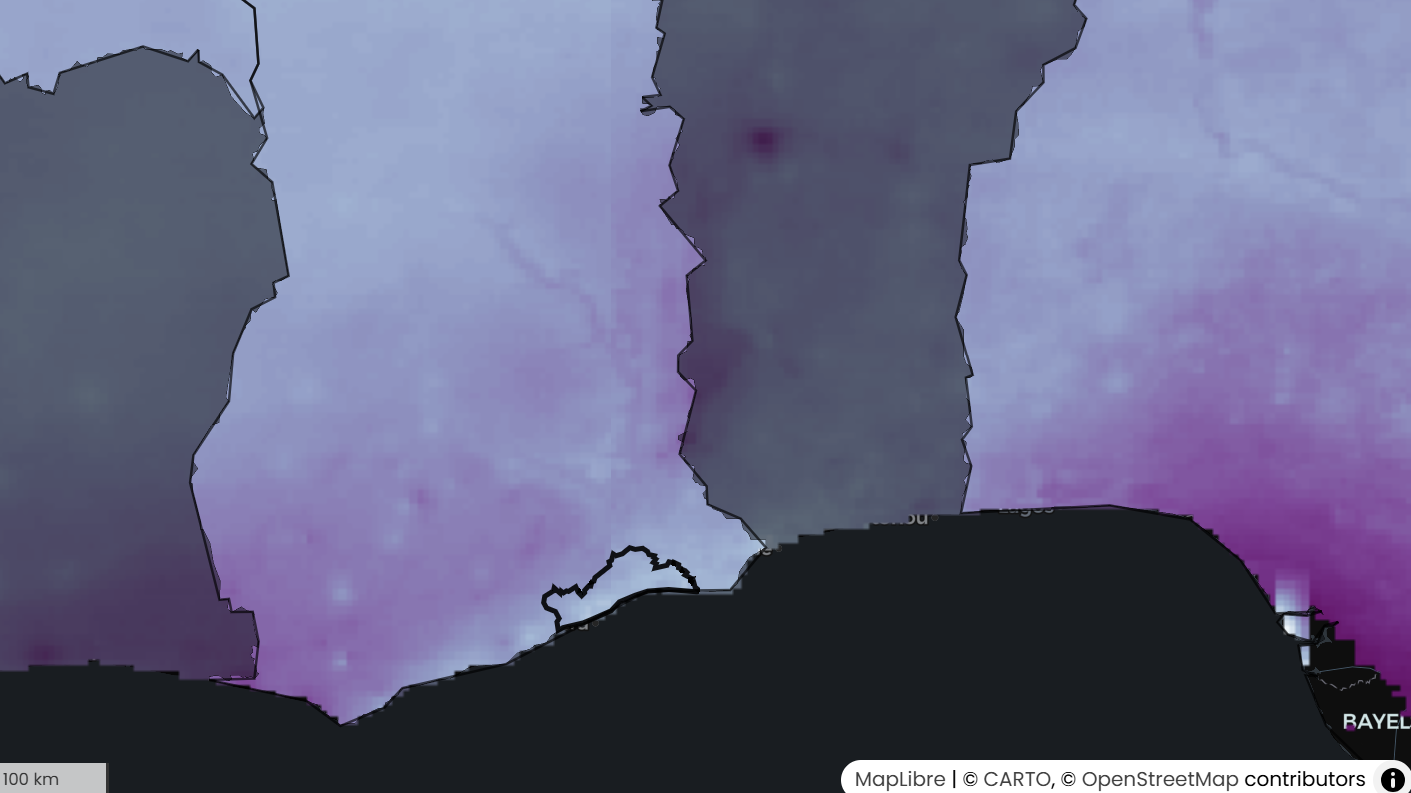
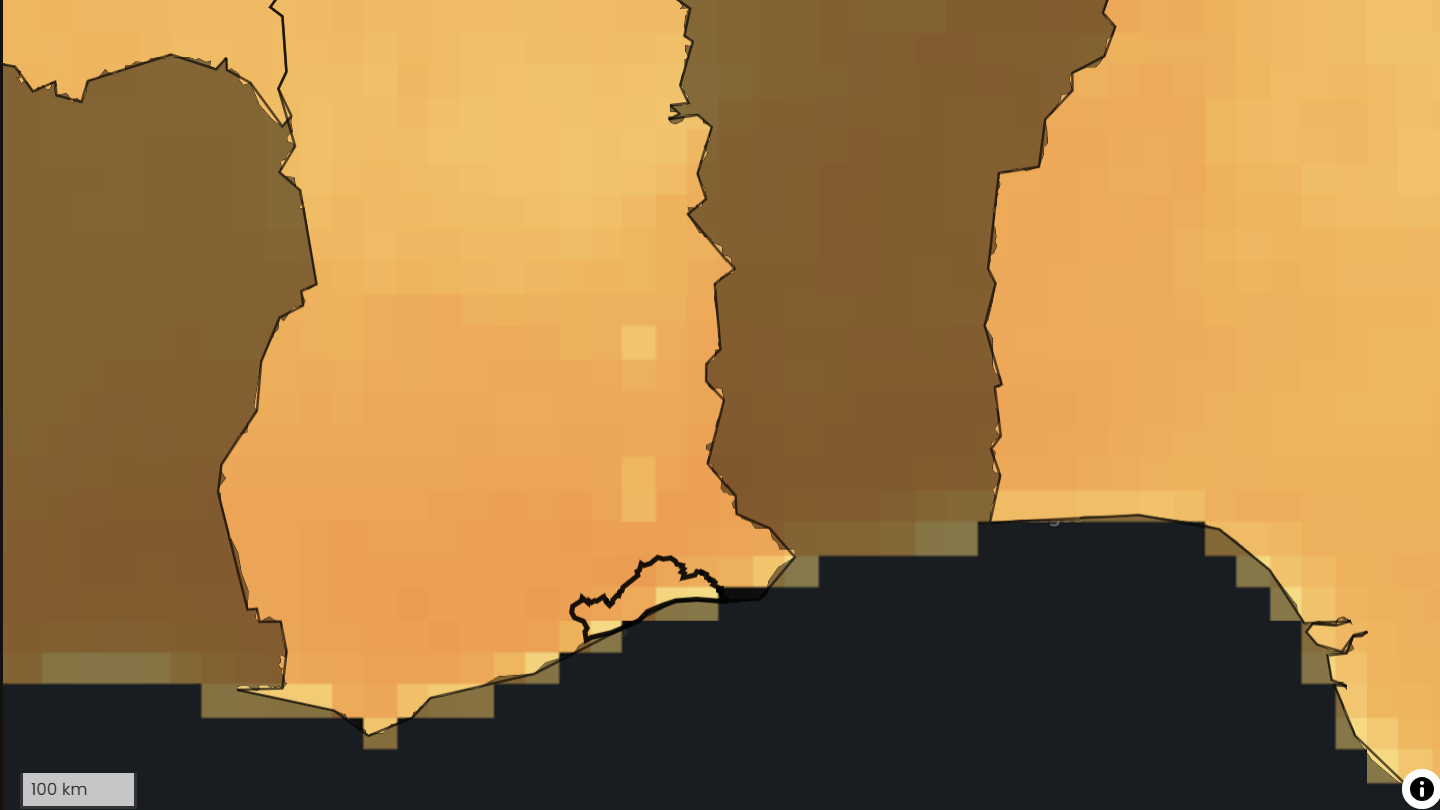
Climate interacts with other landscape processes, including vegetation cover, land use, and soil condition. For this reason, climate data is often used together with land health and soil health indicators when identifying priority areas, interpreting trends, or designing restoration strategies.
Getting started
Before opening the notebook, read the steps below carefully.
1. Open the notebook
Click the button below to launch the notebook in Google Colab.

2. Save your own copy
Once the notebook opens:
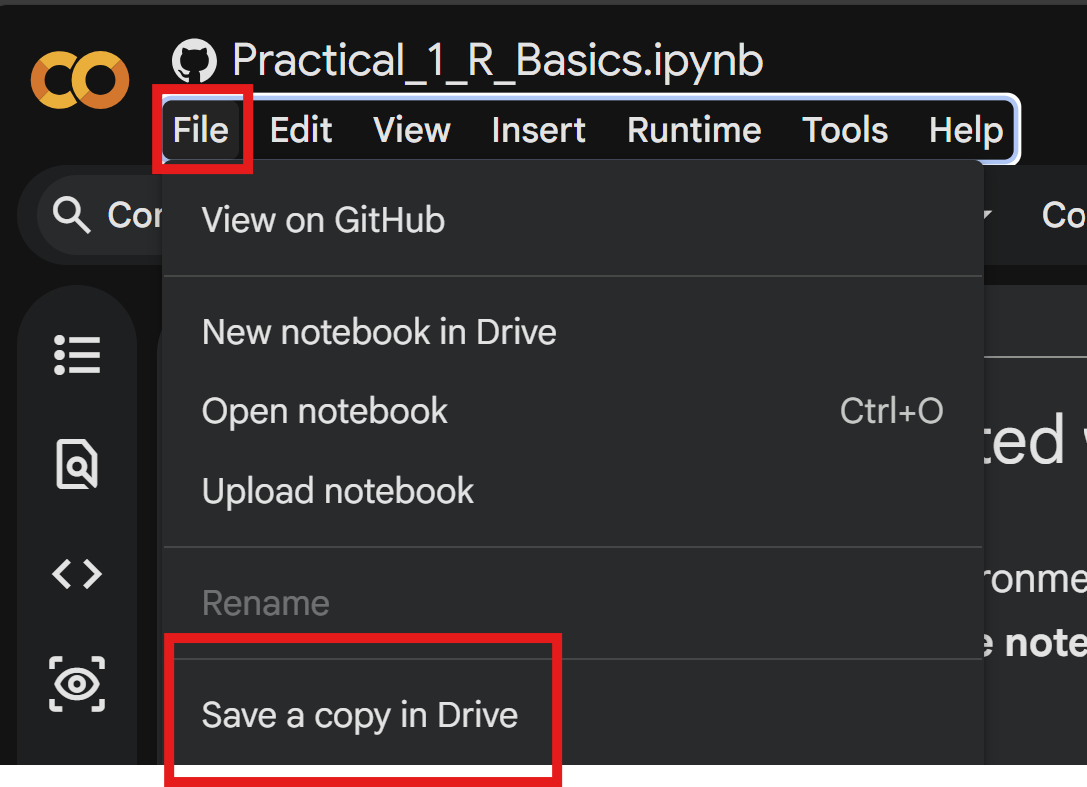
- Click File → Save a copy in Drive
- Rename your notebook (e.g.,
Notebook1_YourName)
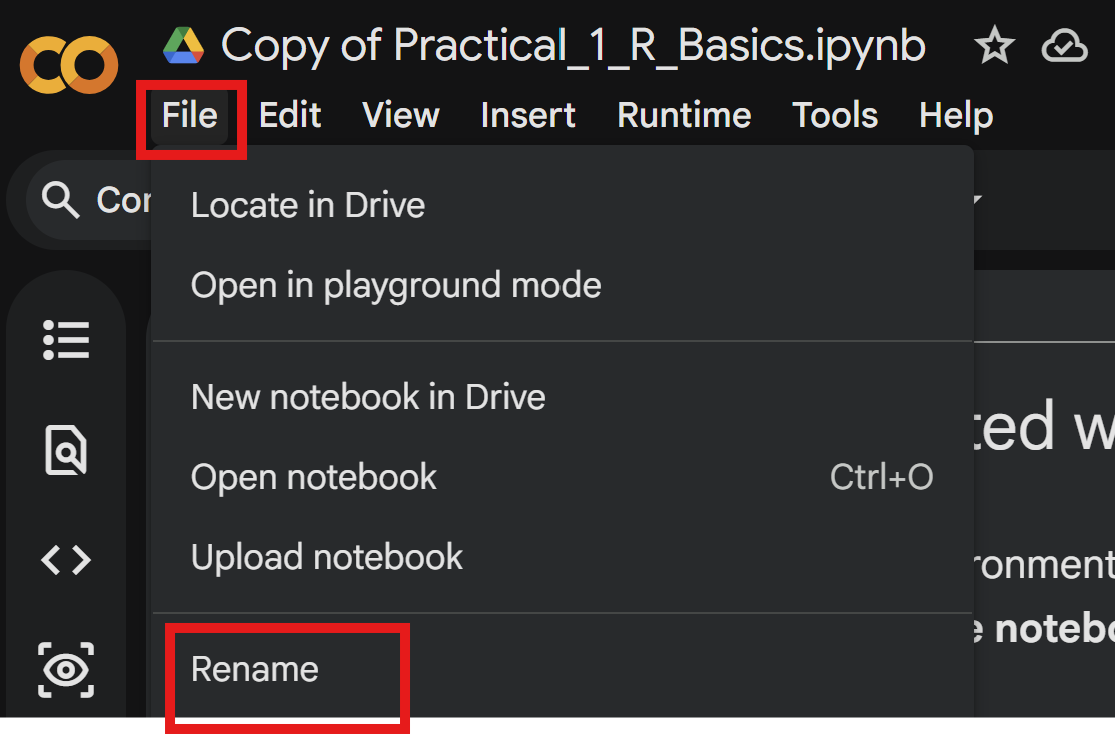
This ensures you are working in your own editable version
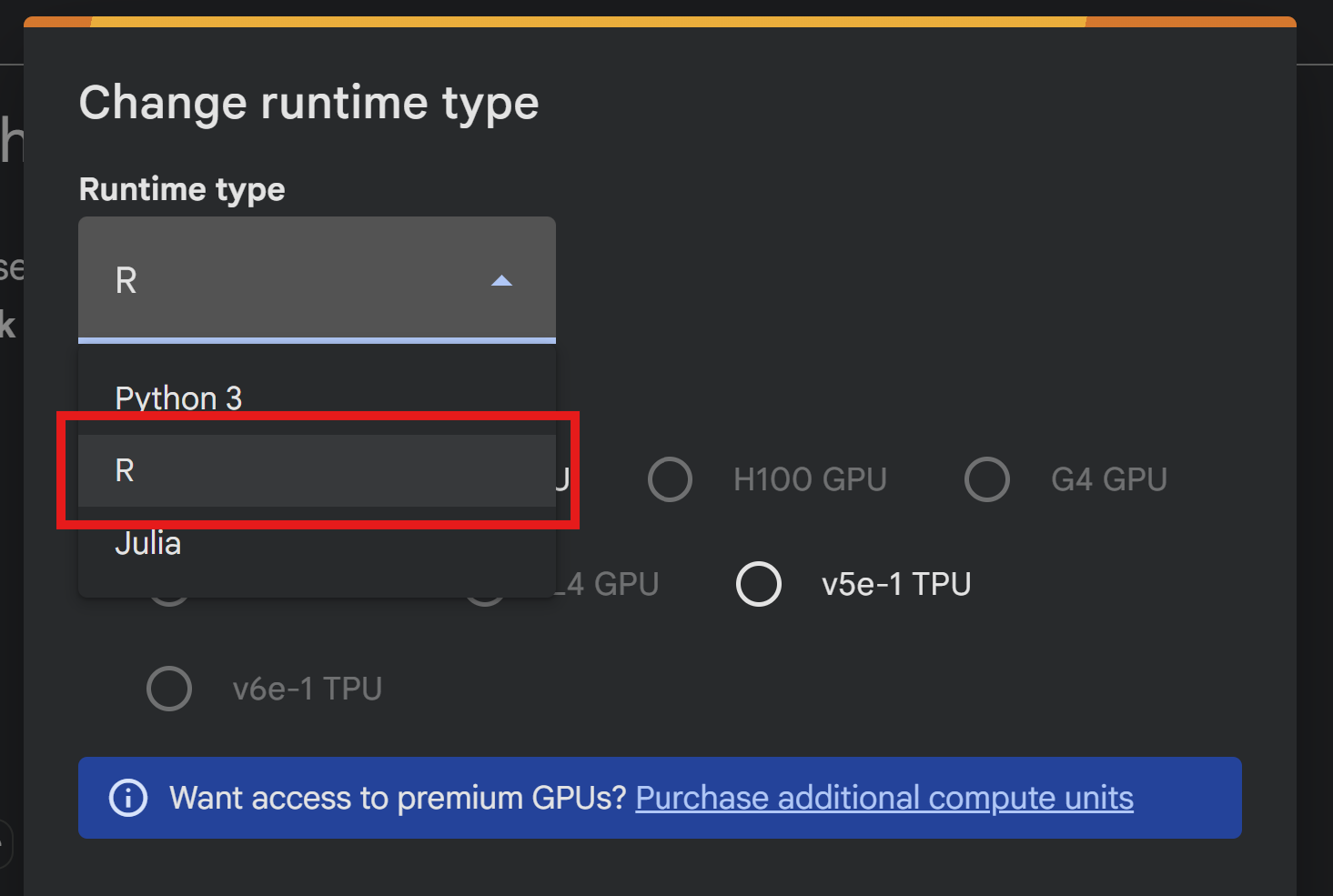
3. Set the runtime to R
In Colab:
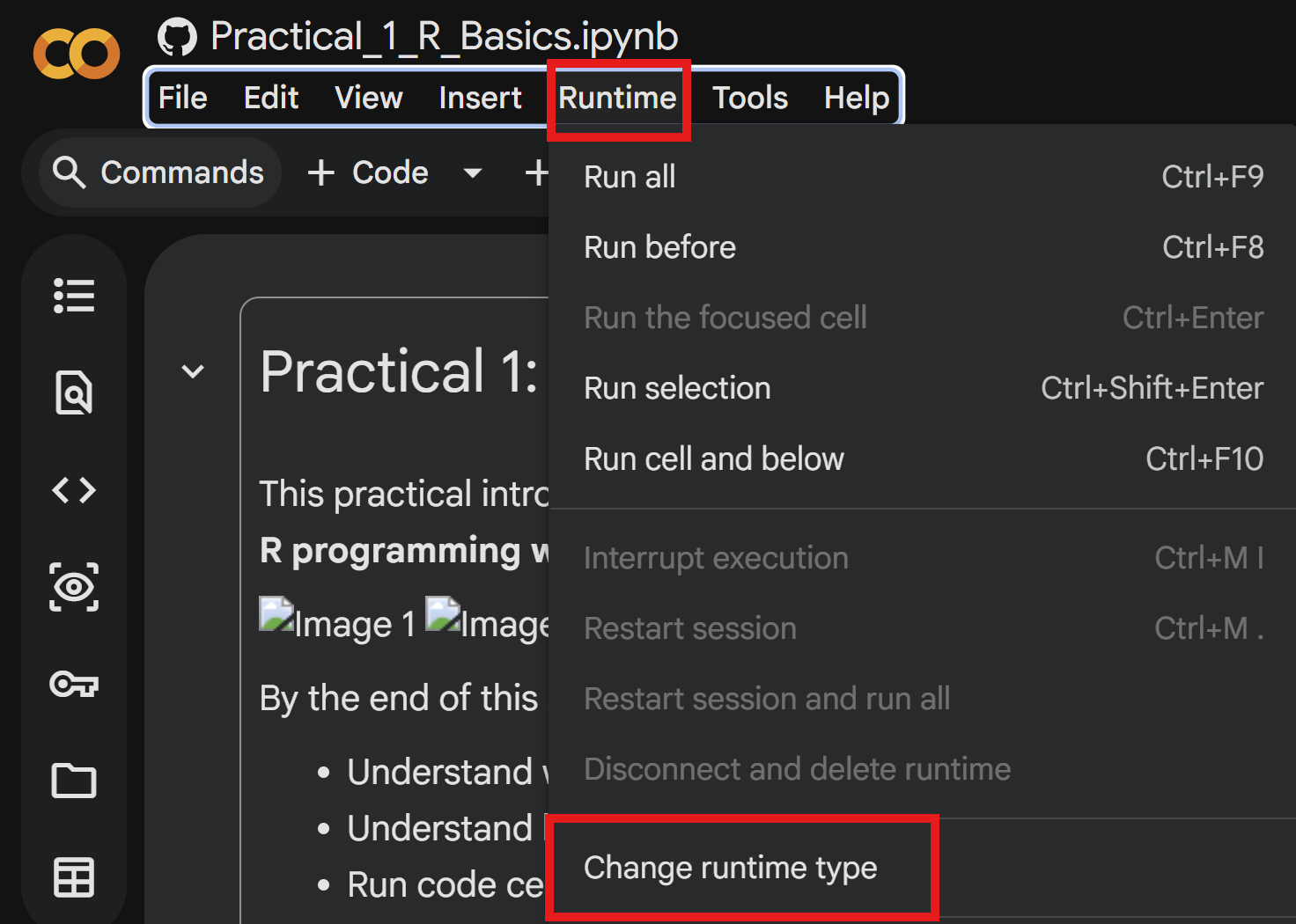
- Click Runtime → Change runtime type
- Set Runtime type = R
4. Follow the notebook step-by-step
The notebook is structured as a guided workflow, simply follow the instructions in the notebook to get started working with restoration data!