Practical 1: Getting started with R and notebooks
This first practical introduces the core environment used throughout the workshop:
R programming within an interactive notebook (Google Colab).


In order to work with underlying spatial datasets it is important to understand how to:
- Run code step-by-step
- Create and store data objects
- Load and inspect datasets
- Perform simple data operations
This practical provides the foundation for all subsequent exercises.
Learning objectives
After completing this practical you should be able to:
- Understand what R is and how it is used
- Navigate and run a notebook environment
- Create and manipulate basic data objects
- Import simple datasets
- Perform basic data operations using
dplyr
This practical introduces three key ideas:
You will learn how notebooks combine:
- Text (documentation and explanation)
- Code (analysis steps)
- Outputs (results and visualisations)
This allows you to build transparent and reproducible workflows.
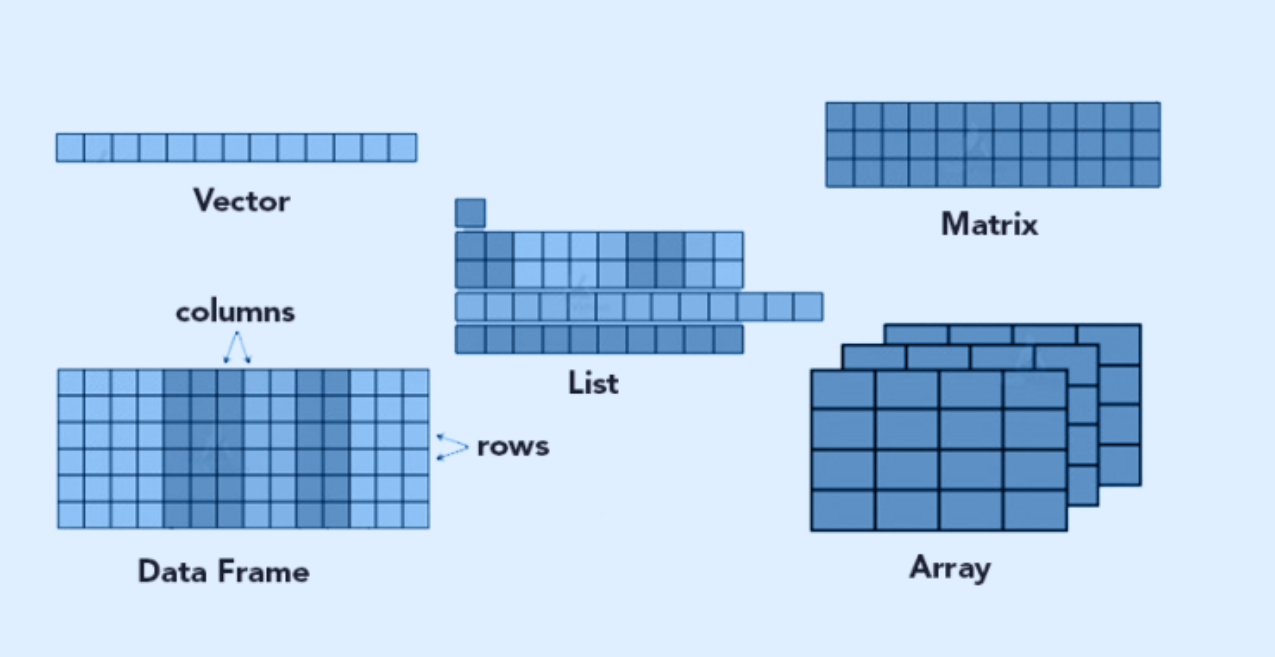
You will learn how to:
- Create objects in R
- Store datasets
- Inspect their structure
- Understand variables and values
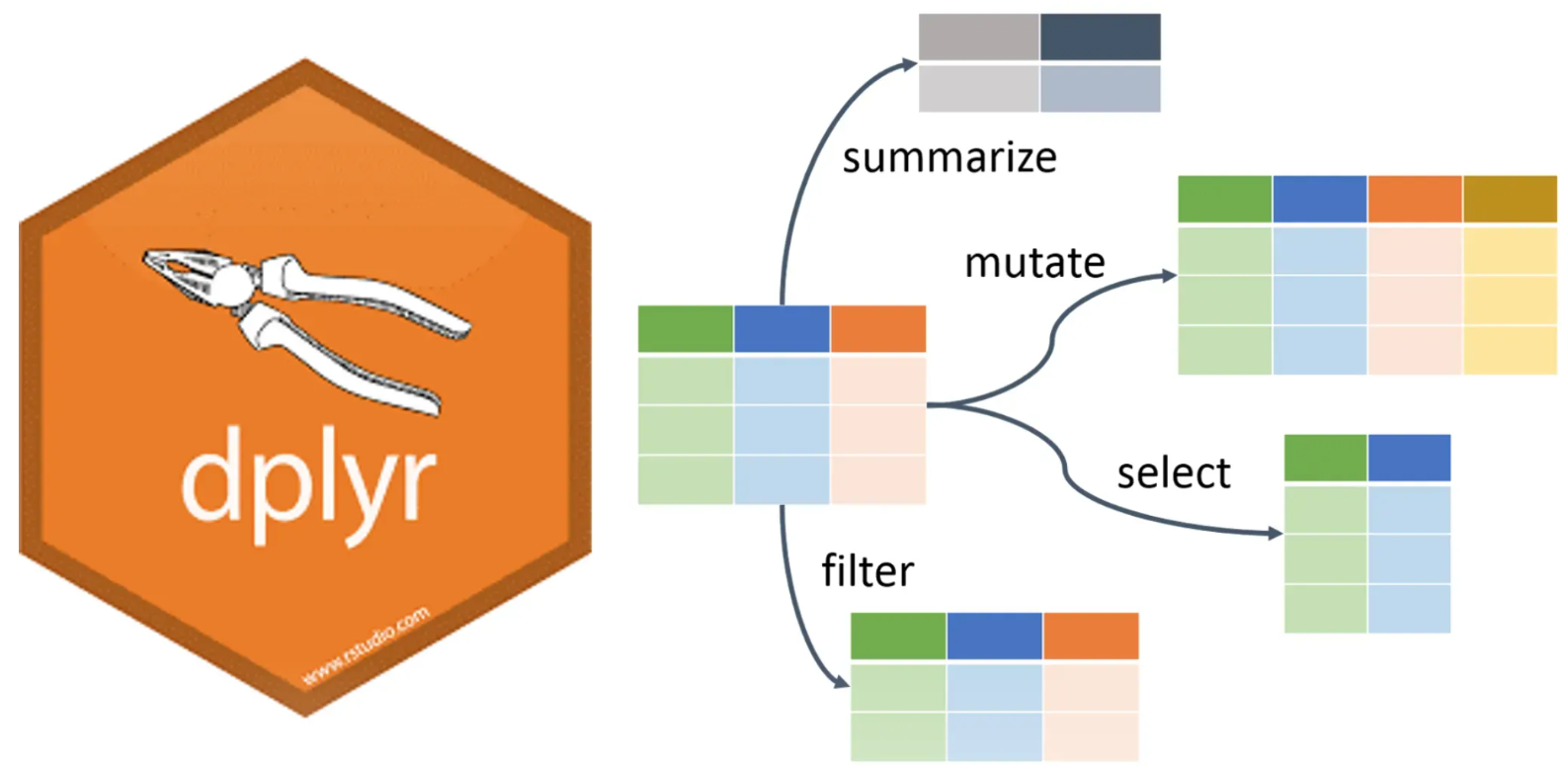
You will use simple functions from dplyr to:
- Filter data
- Select variables
- Perform basic transformations
These are the building blocks of all data analysis workflows.
Running the practical
This practical is implemented as an interactive notebook. Open the notebook in Google Colab:
Launch notebook

Next steps
In this exercise, you learn how to load and manipulate data. In the next practical, you will build on this by:
- Cleaning and structuring datasets
- Creating visualisations
- Exploring patterns in data